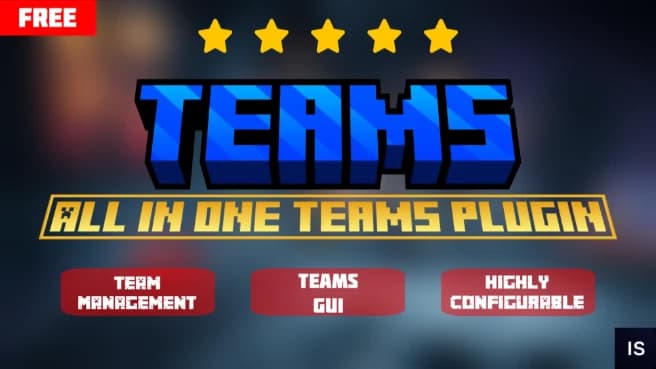
Product description
Teams
Lightweight team management, done right.
━━━━━━━━━━━━━━━━━━━━━━━━━━━
What it does
Teams brings proper team gameplay to your Minecraft server without the bloat of a full faction plugin.
Players can create teams, invite members, manage roles, form alliances, set team homes, create warps, and communicate through private team and ally chats.
Everything is accessible through a clean in-game GUI, making team management simple for both players and staff.
━━━━━━━━━━━━━━━━━━━━━━━━━━━
Features
- Full team management through GUI and commands
- Owner and Manager roles with separate permissions
- Automatic ownership transfer when the team owner leaves
- Team alliances with configurable alliance limits
- Private team chat and ally chat
- Team home with configurable teleport delay
- Named team warps with configurable limits
- 12 different team colors
- Team PVP toggle to control friendly fire
- Allied teams can still fight even when team PVP is disabled
- Shared team Ender Chest
- PlaceholderAPI support for team placeholders
- Fully configurable messages, limits, and settings
- MiniMessage support
- Lightweight with no unnecessary dependencies
Minecraft 1.21+, Paper and Paper forks.
━━━━━━━━━━━━━━━━━━━━━━━━━━━
Team Roles & Alliances
Owners
- Full control over the team
- Can promote members to Manager
- Manage team members, settings, and alliances
Managers
- Manage team invites and members
- Handle team homes and warps
- Control team PVP
- Help run the team without having full owner control
Automatic Ownership Transfer
If the owner leaves the team, ownership automatically transfers to an available manager or member. Teams never get stuck without a leader.
Team Alliances
Teams can form alliances with other teams, communicate through a dedicated ally chat, and fight allied teams even when team PVP is disabled.
━━━━━━━━━━━━━━━━━━━━━━━━━━━
Commands & Permissions
Player Commands
/team - Opens the team menu.
/team create <name> - Creates a new team.
/team invite <player> - Invites a player to your team.
/team info [team] - Shows team information.
/team home - Teleports to the team home.
/team sethome - Sets the team home.
/team delhome - Deletes the team home.
/team warp [name] - Opens warps or teleports to one.
/team setwarp <name> - Creates or moves a team warp.
/team delwarp <name> - Deletes a team warp.
/team chat - Toggles team-only chat.
/team ally - Manages team alliances.
/team echest - Opens the shared team Ender Chest.
/team help - Shows available commands.
Admin Commands
/team admin toggle - Enables or disables the team system.
/team admin maxmembers <amount> - Changes the maximum team size.
/team admin reload - Reloads configuration and messages.
Permission
teams.admin - Required for team administration commands.━━━━━━━━━━━━━━━━━━━━━━━━━━━
PlaceholderAPI
Teams supports PlaceholderAPI, allowing you to display team information anywhere your server supports placeholders.
%teams_team_name% - Team name without color.

%teams_team_colored% - Team name with its selected color.
━━━━━━━━━━━━━━━━━━━━━━━━━━━
Support
Found a bug, need help with setup, or have a suggestion?
Join our Discord and we'll be happy to help.
INFAMOUS STUDIOS
Thank you for supporting Infamous Studios ♥